The build · Real talk
What it took to ship.
Scapeboard is the most architecturally complex thing I've shipped. A React frontend, an Express
backend on Cloud Run, Firebase Auth and Firestore, two billing systems, a Maps SDK, and a
generative AI pipeline — all coordinated through a single Capacitor-wrapped Android app.
Here's what actually happened.
Design moment
Building for a non-developer audience
Landscaping contractors aren't product people. They're not going to read a tooltip or dig
through a settings menu. Every screen in Scapeboard had to be self-explanatory on
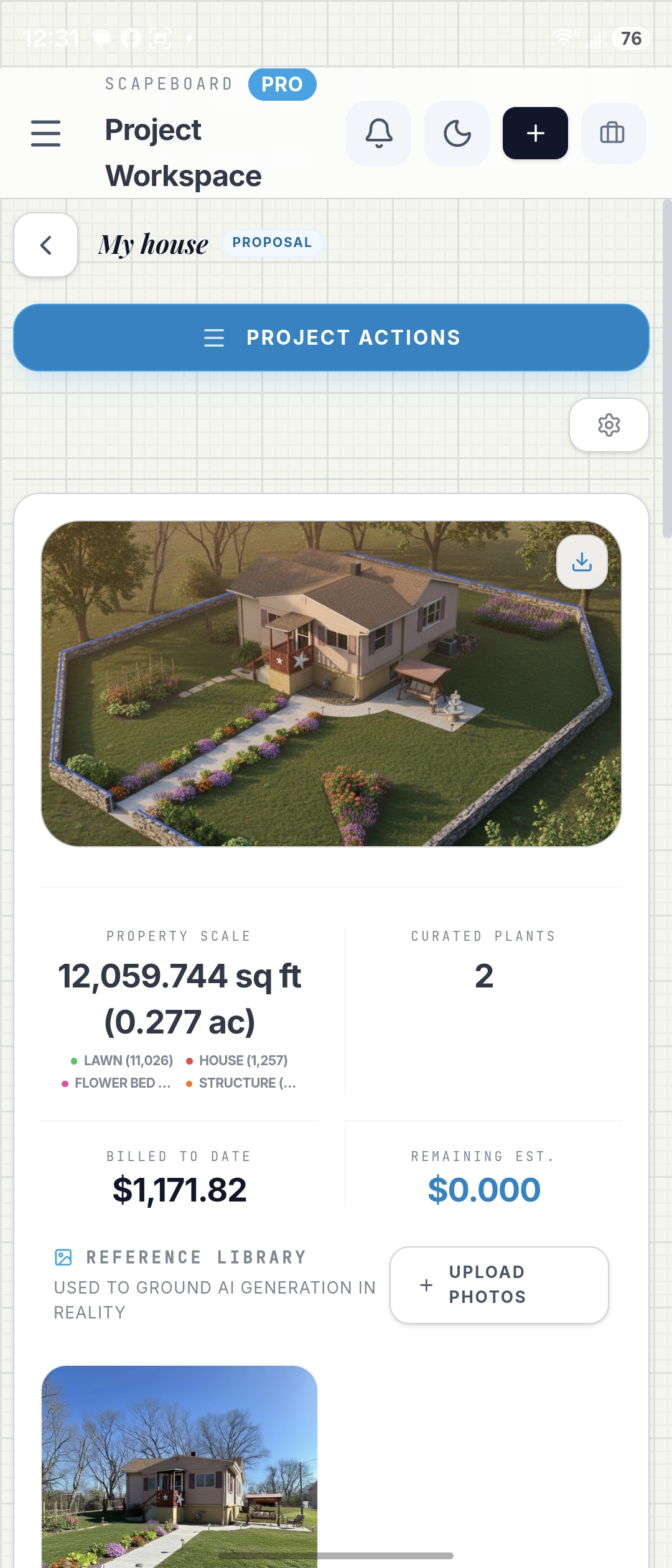
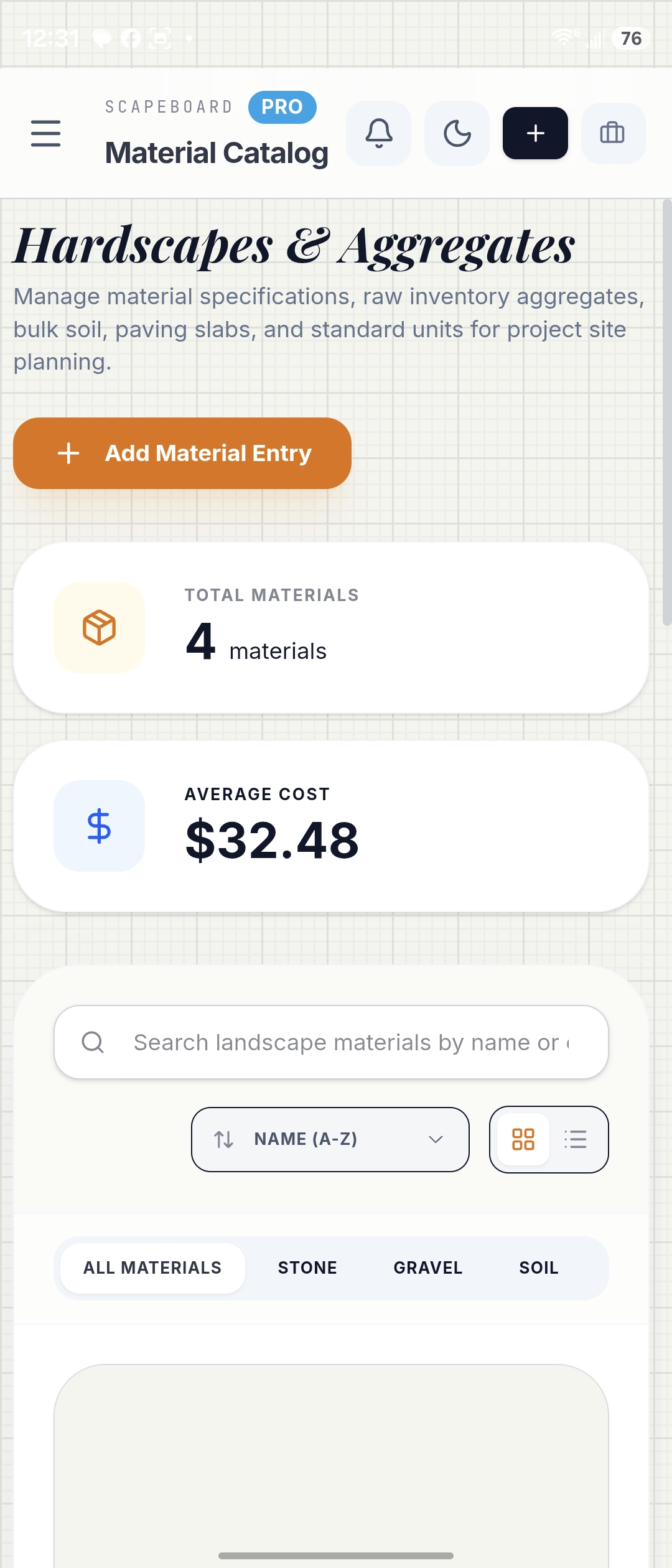
first contact — section titles that describe the screen's purpose directly
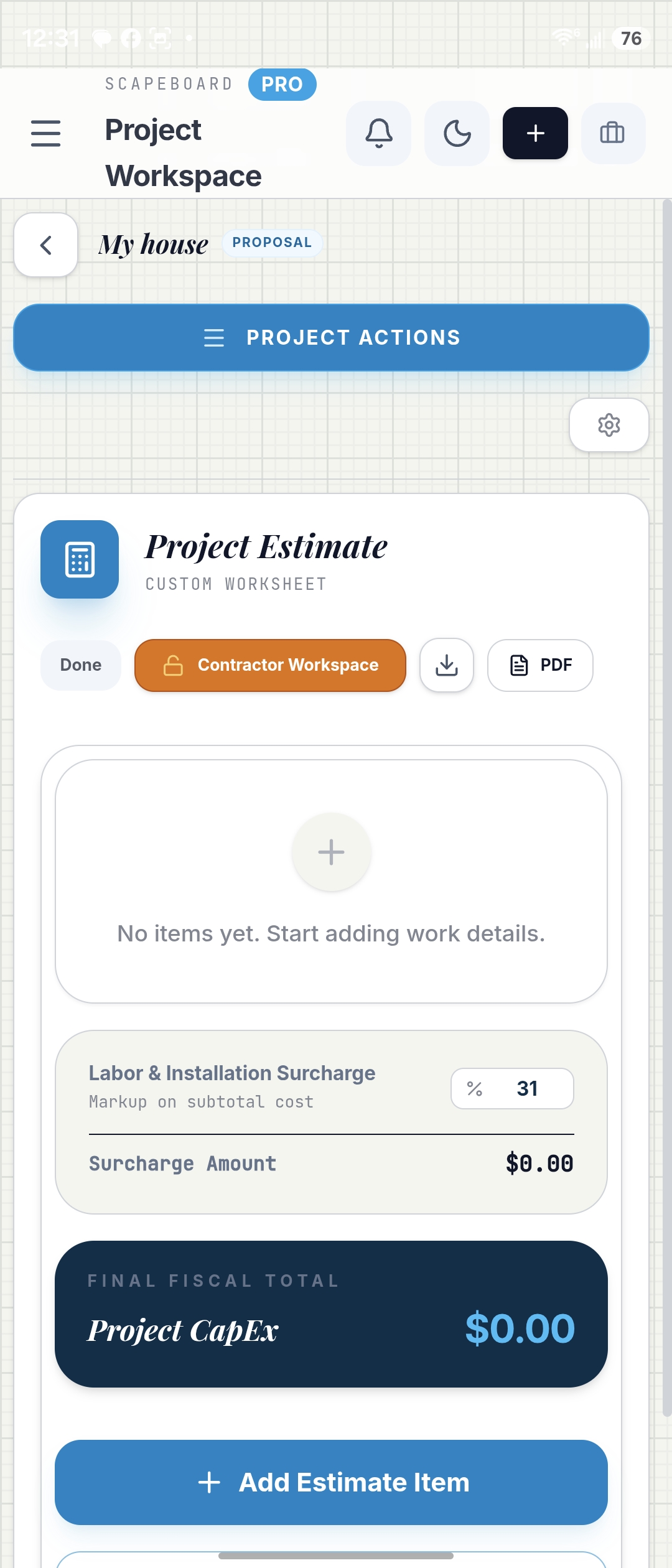
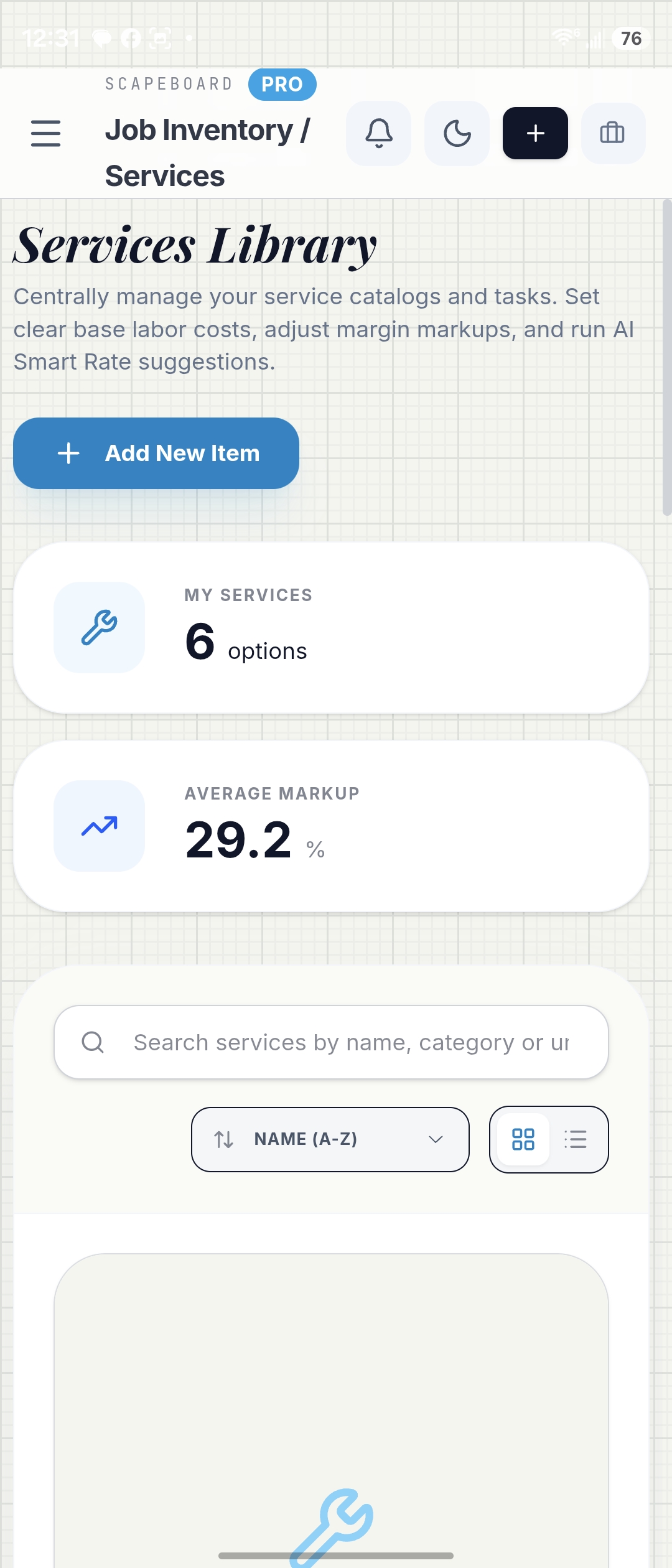
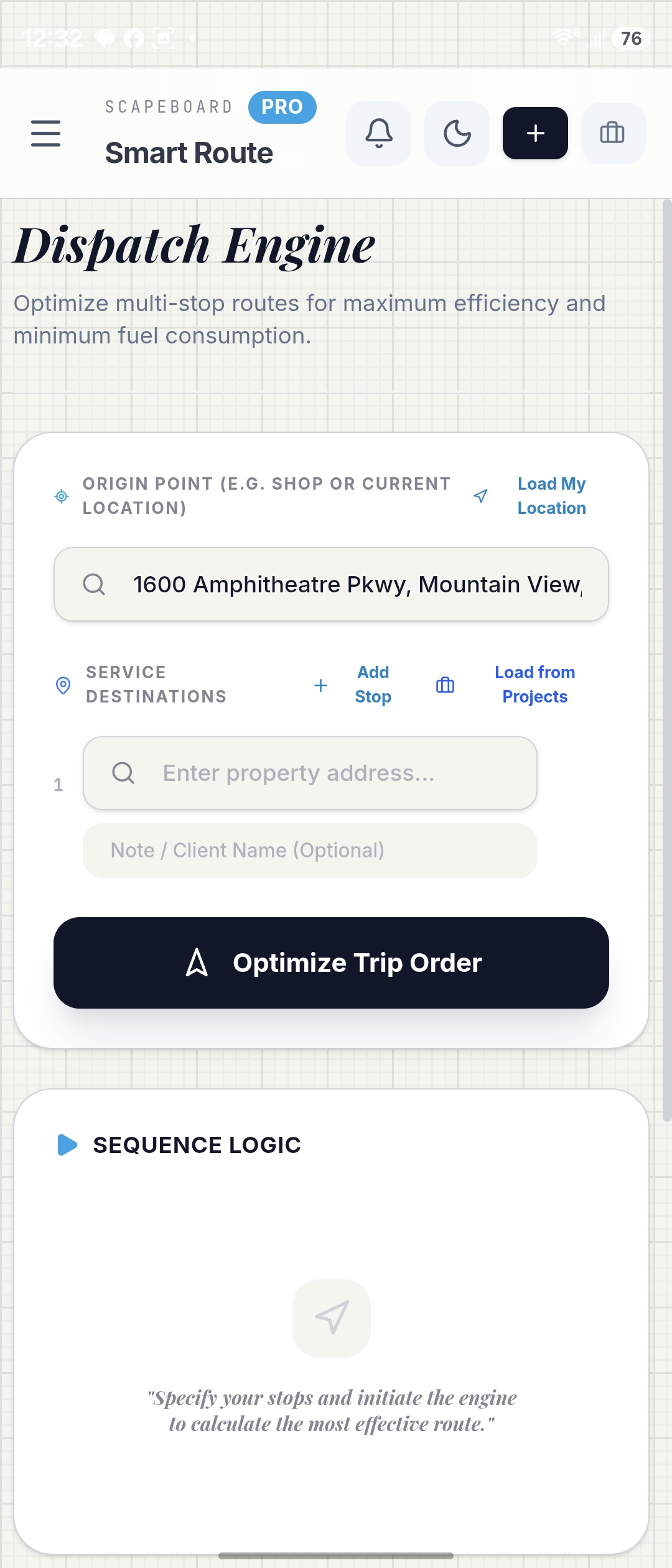
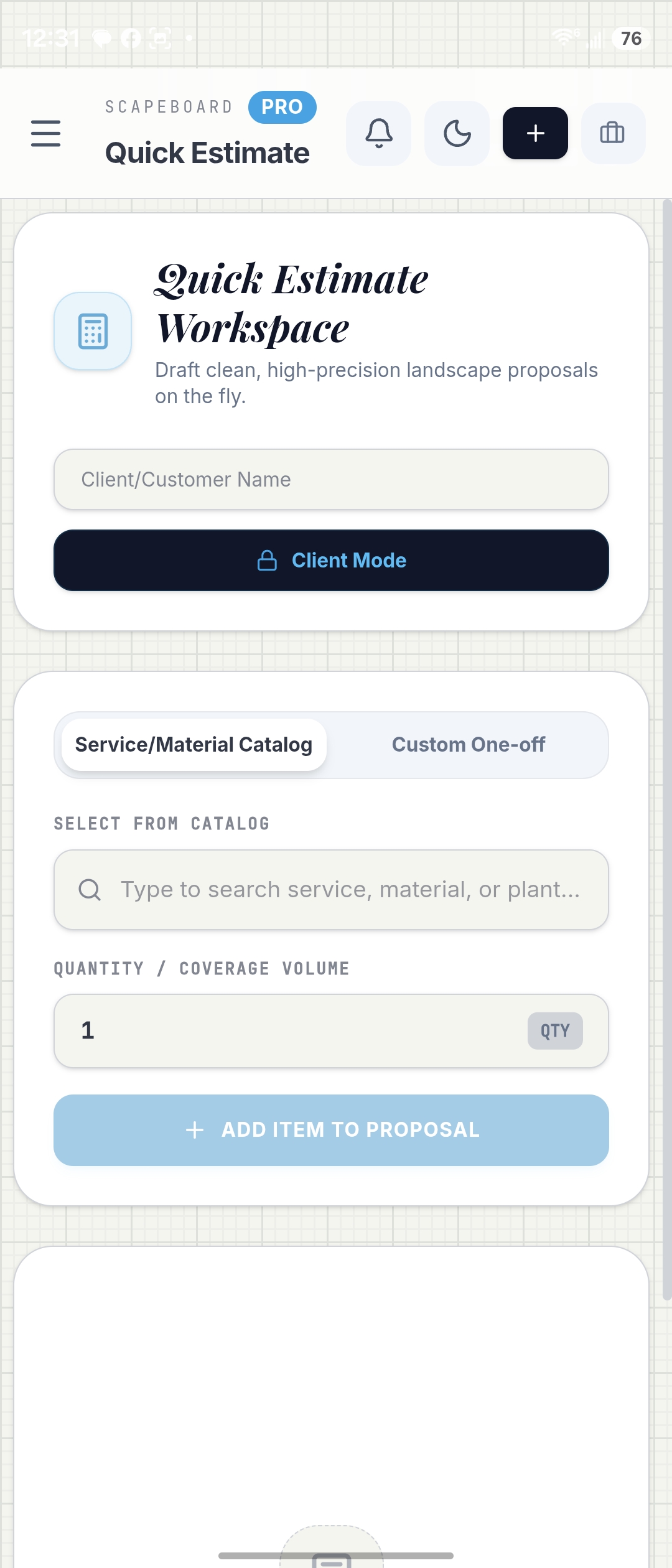
(Services Library, Dispatch Engine, Quick Estimate Workspace),
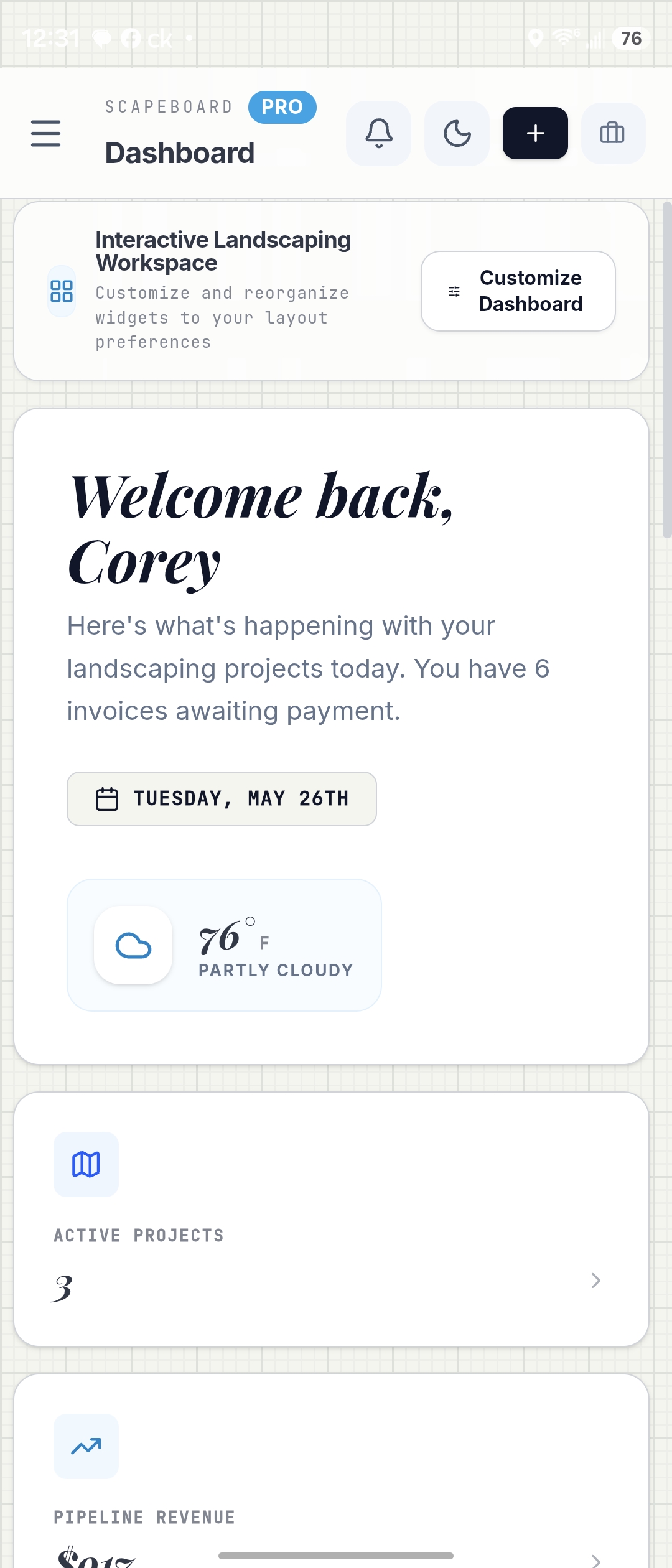
empty states that tell you exactly what to do, and a dashboard that surfaces the three
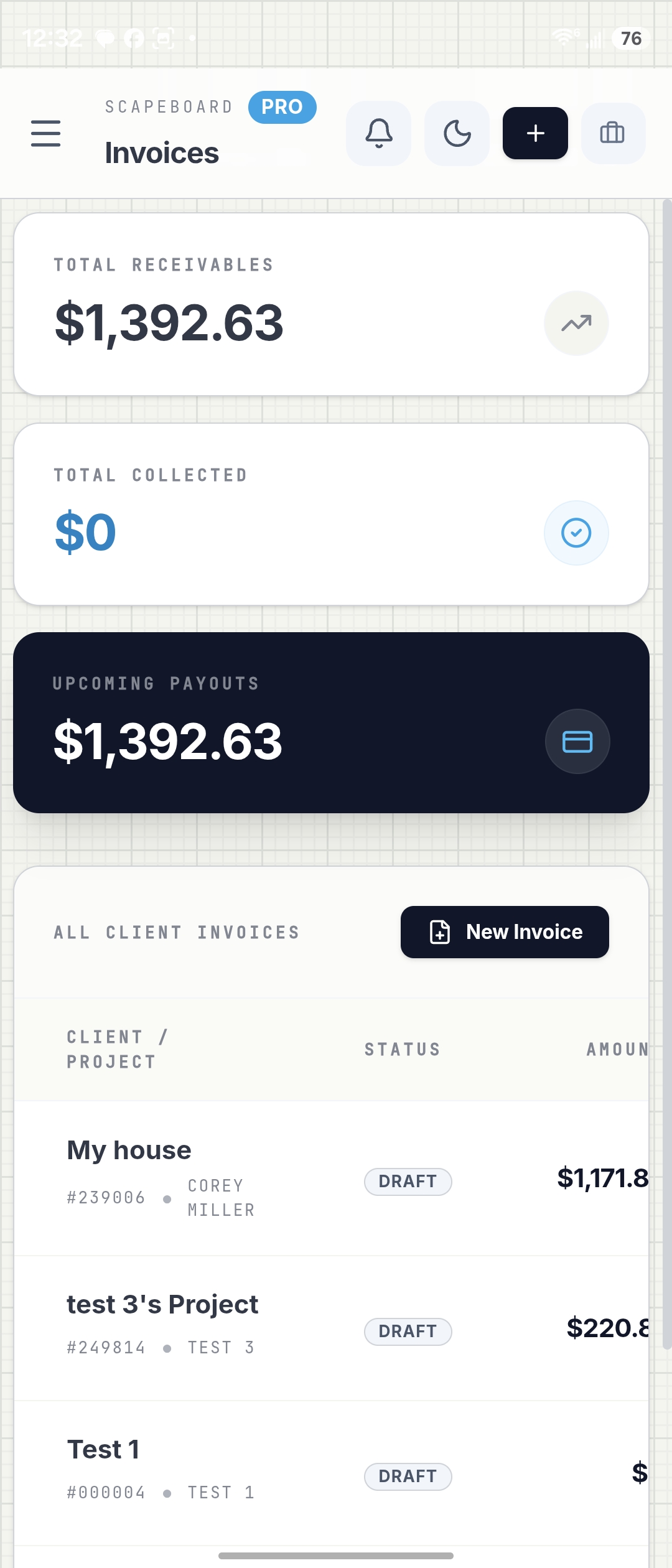
numbers that actually matter: active projects, pipeline revenue, and outstanding invoices.
The Google UX Design certificate did real work here. Audience empathy isn't abstract when
the audience is someone who'd rather be outside than on their phone.
War story · 01
Dual billing: Stripe on web, Google Play Billing on Android — from day one
Most indie developers ship one billing path and bolt on the second later. I wanted both
working at launch. The problem: Stripe and Google Play Billing have completely different
webhook lifecycles, entitlement schemas, and failure modes.
The Firestore entitlement document became the source of truth — a single record per user
with plan, proSince, proExpiry,
billingSource, and imageGenerationsUsed fields, written to by
whichever billing system triggered the webhook. The client never talks to Stripe
or Play directly — it reads Firestore. That abstraction is what made dual billing
tractable.
War story · 02
Secret encoding on Windows: the BOM problem that broke Cloud Run
Deploying secrets to Cloud Run via gcloud on Windows is a trap. The standard
echo MY_SECRET | gcloud run services update --set-secrets pattern silently
appends a BOM (byte order mark) or trailing newline to the secret value, which then fails
at runtime in ways that look nothing like an encoding problem.
The fix: write secrets using PowerShell's
System.IO.File::WriteAllText with UTF8Encoding($false) and
explicit no-newline to produce clean byte sequences. A subtle platform quirk that cost
a full debugging session before the pattern clicked.
War story · 03
Firebase Admin initialization in Cloud Run
applicationDefault() — the standard Firebase Admin initialization path —
doesn't work reliably in Cloud Run without explicit configuration. The webhook would
receive Stripe events successfully, then fail silently trying to write to Firestore
because Admin couldn't authenticate.
The fix was a service account JSON stored in Secret Manager, injected
at runtime and parsed explicitly by the Admin SDK — more setup, but zero ambiguity about
what credentials are in play. Once the pattern was established it became the standard
for every sensitive credential in the project.
War story · 04
Capacitor on Android: Google Sign-In against a live domain
Google Sign-In in a Capacitor app works fine on localhost. Against a production domain
it requires the correct SHA-1 fingerprints registered in the Firebase console, the right
google-services.json, and the authorized domain whitelisted in Firebase Auth
settings — three separate places that all have to agree.
The debugging surface is also deceptive: auth errors from the native layer surface as
generic auth/unauthorized-domain even when the domain is authorized
but a fingerprint is wrong. Tracking down which of the three layers was out of sync
required eliminating them one at a time.